Building Afghanistan's
Future, Together
A landmark $150 million industrial initiative delivering world-class cement to power Afghanistan's construction renaissance — engineered for excellence, built to endure.
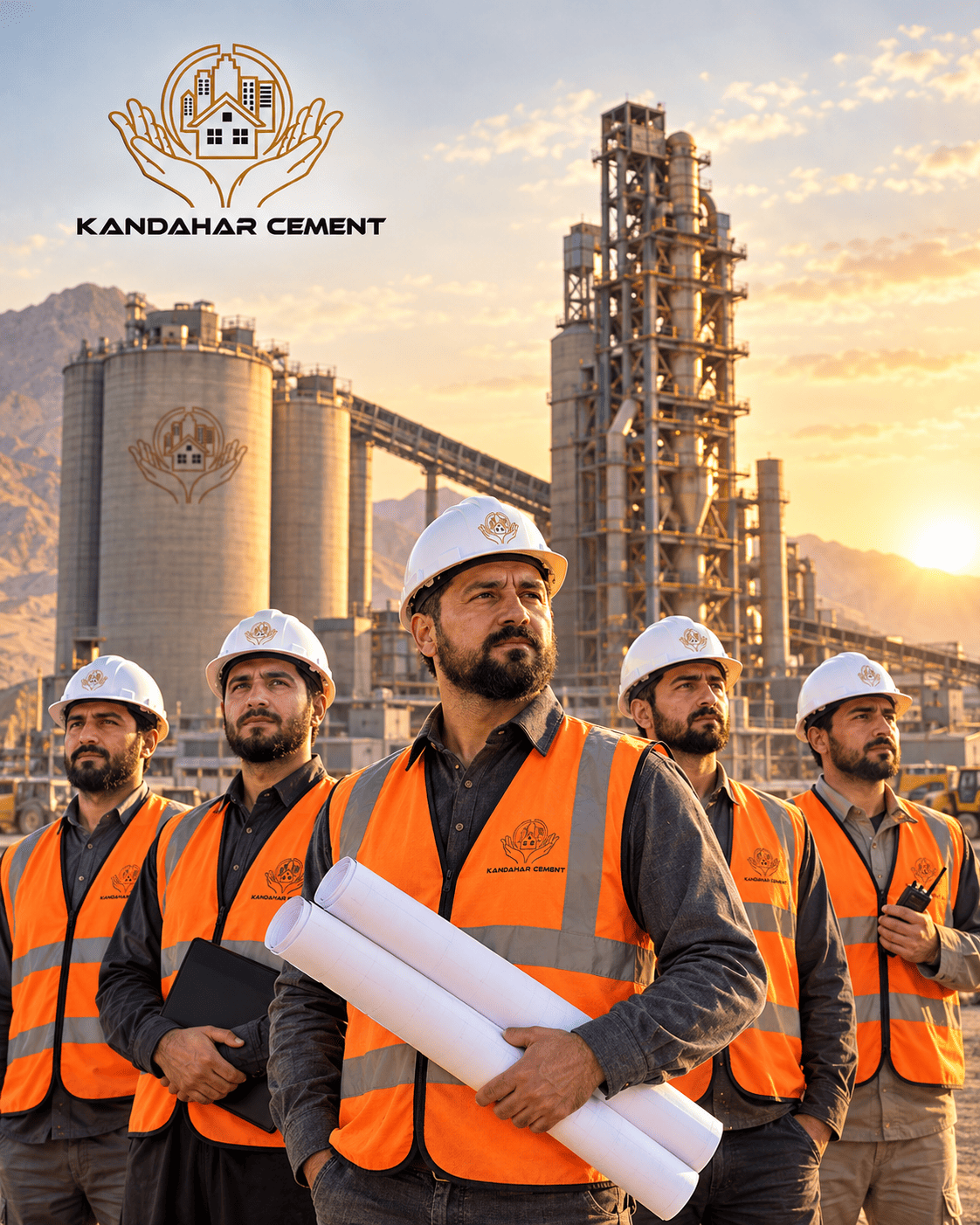
A Visionary Industrial
Milestone for Afghanistan
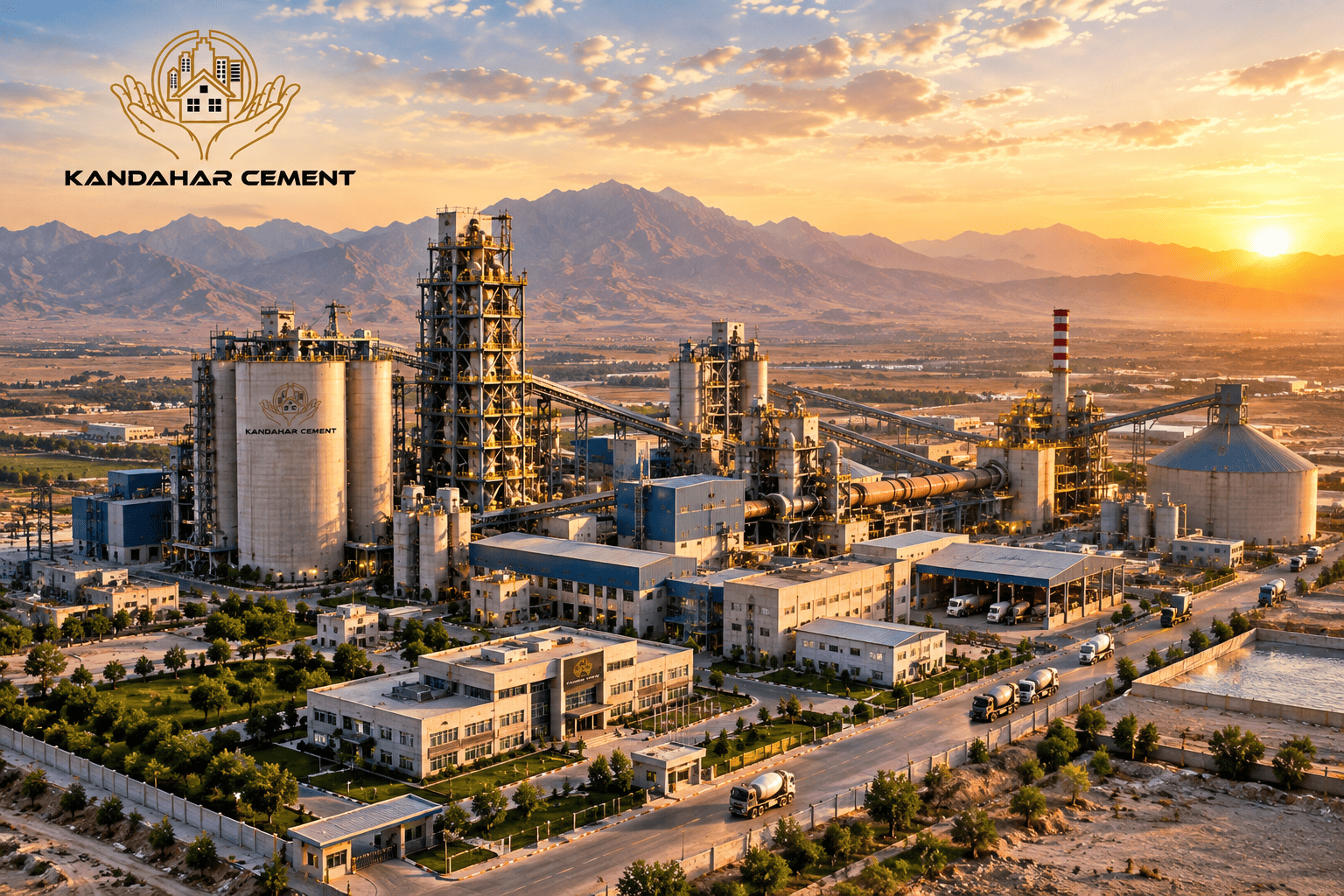
The Kandahar Cement Factory stands as one of the most significant private-sector industrial investments in southern Afghanistan. Strategically located within the Shorandam Industrial Park in Kandahar, this landmark initiative embodies the Ahmad Nabi Zada Group's commitment to national self-sufficiency, infrastructure development, and economic empowerment.
With a total investment of $150 million, the facility is being developed in two meticulously planned phases. Phase One delivers a production capacity of up to 1,500 tonnes per day, scheduled for commissioning by the end of 2026 — expanding to an ultimate capacity of 5,000 tonnes per day in Phase Two, while creating more than 1,000 direct and indirect jobs.
Vision, Mission & Values
Our Vision
To be Afghanistan's foremost cement manufacturer, recognized regionally for uncompromising quality, sustainable practices, and a transformative contribution to national infrastructure reconstruction and economic sovereignty.
Our Mission
To produce world-class cement utilizing cutting-edge technology and rigorous quality standards, while creating over 1,000 skilled jobs, fostering local supply chains, and reducing national dependence on imported construction materials.
Our Values
Integrity in every transaction. Excellence in every tonne. Sustainability in every process. We honor our heritage with disciplined craftsmanship and an unwavering commitment to the communities we serve.
An Engineering
Masterpiece
in the Making
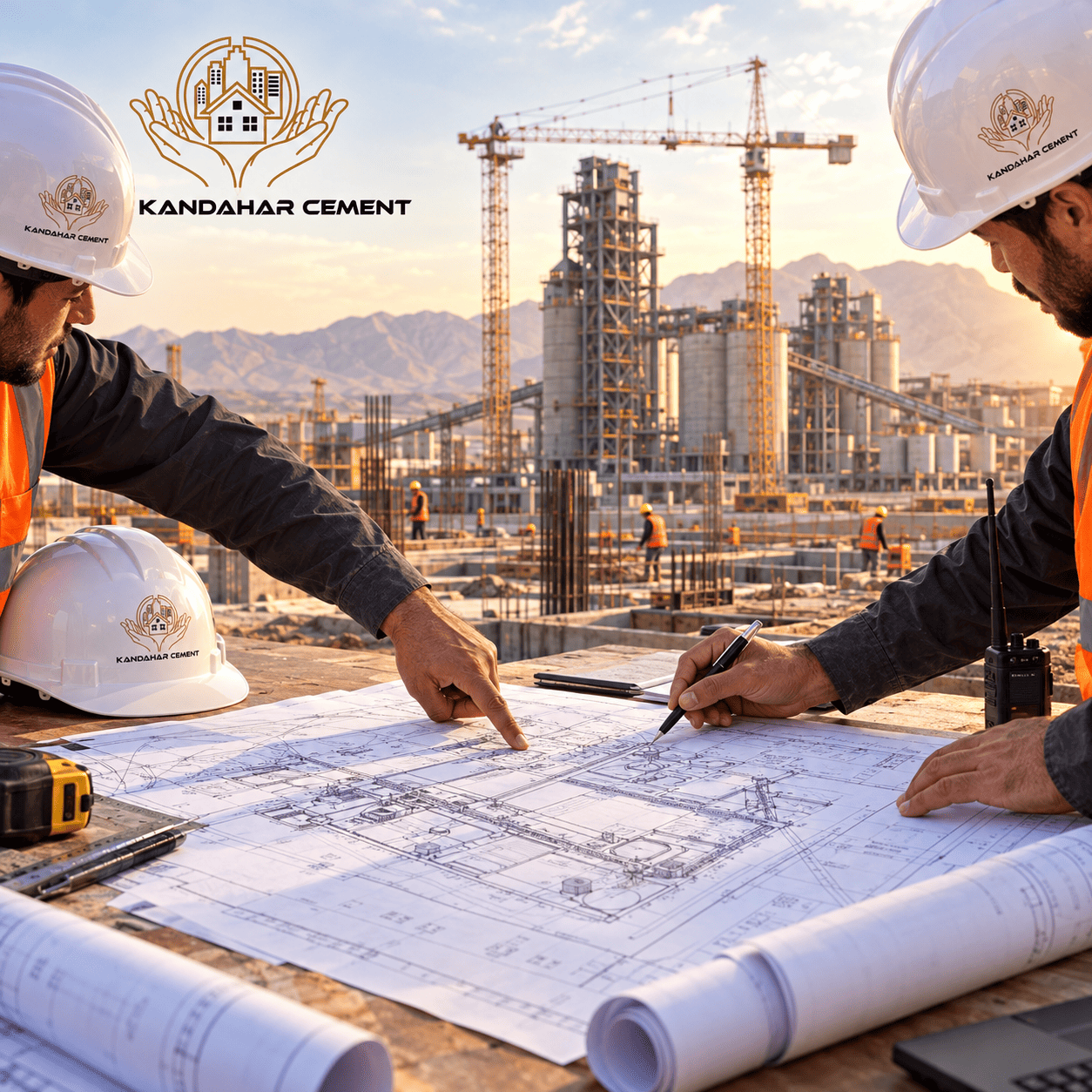
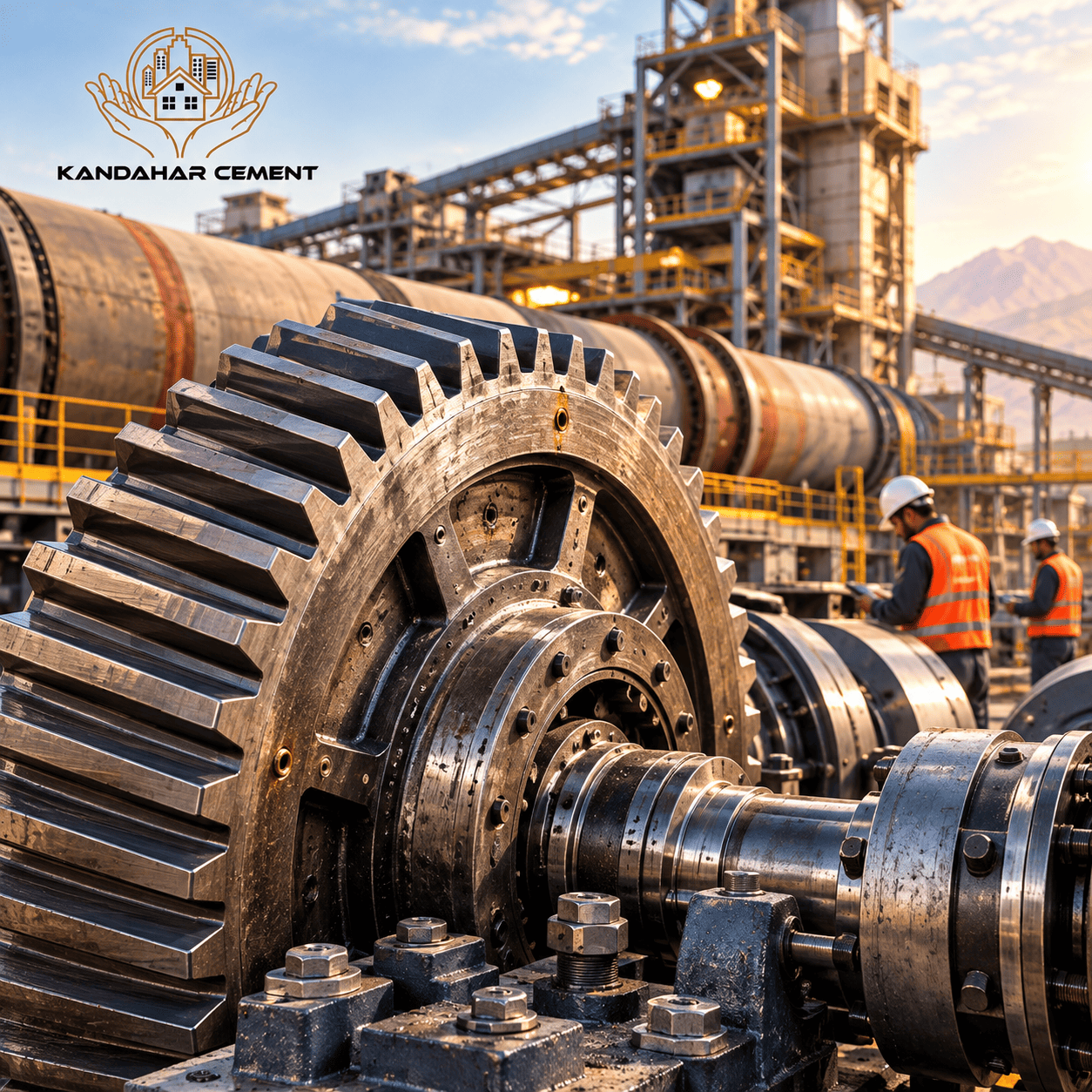
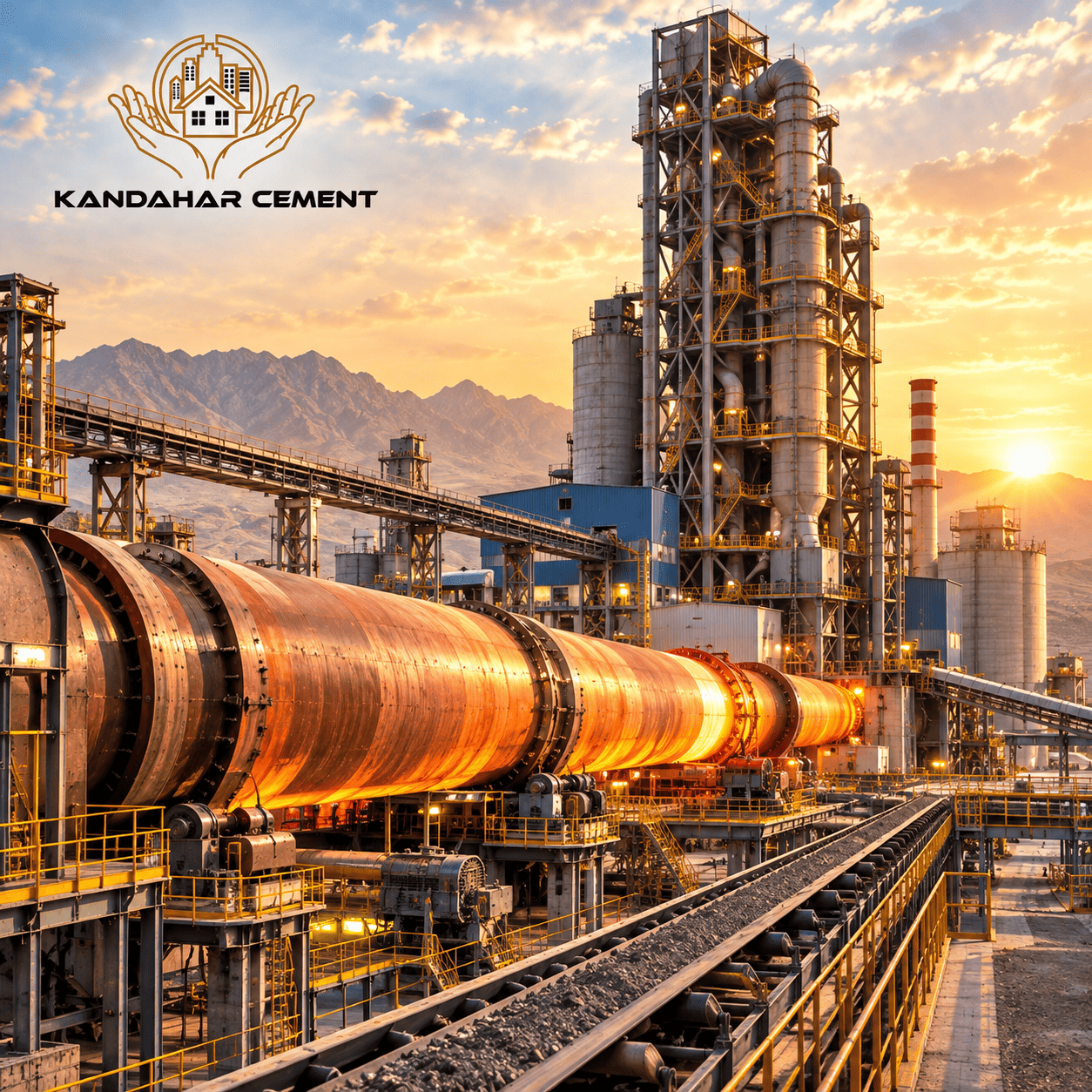
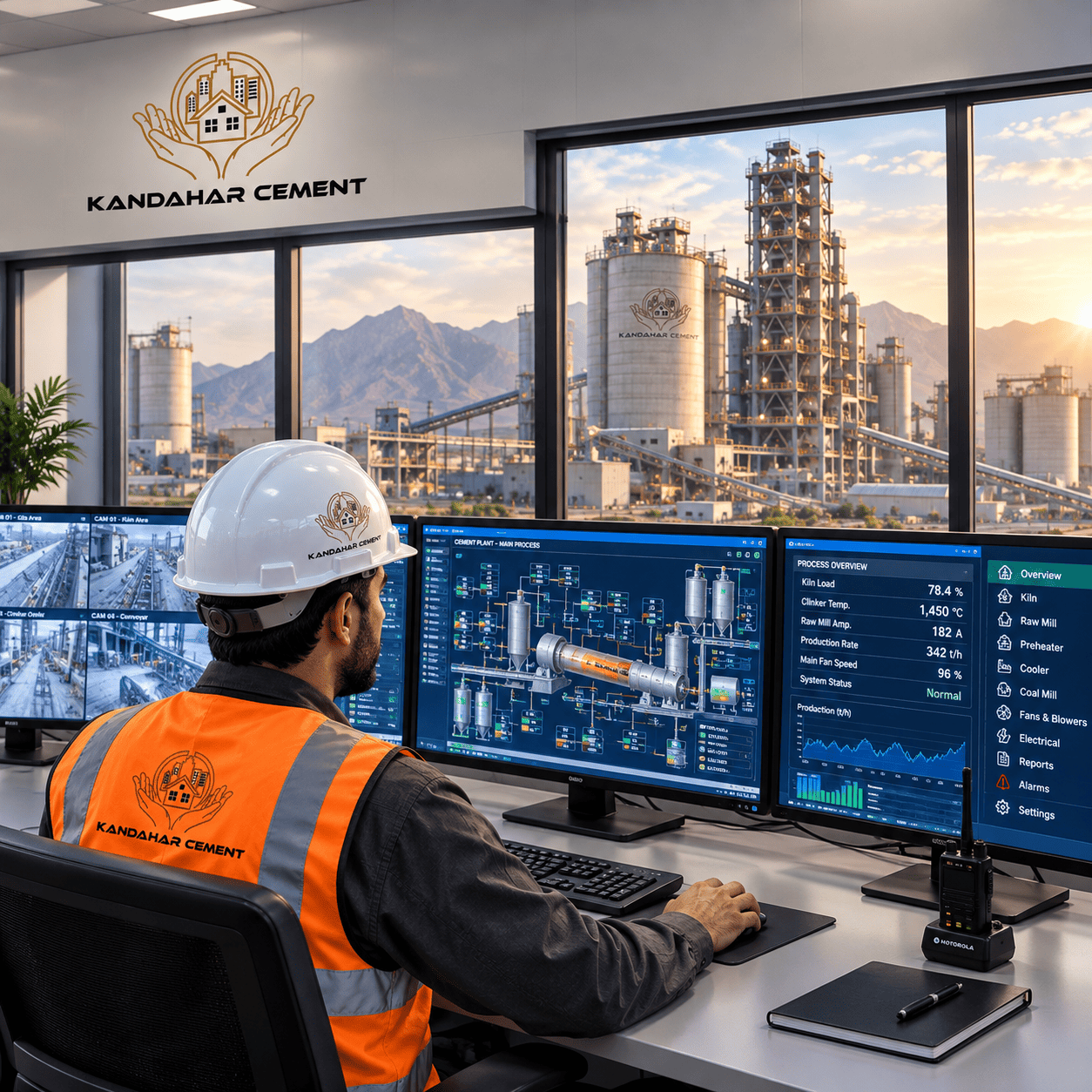
The Kandahar Cement Factory is more than a manufacturing facility — it is a symbol of resurgence. From foundational excavation to the installation of advanced rotary kilns, every stage of construction reflects international engineering standards and a commitment to enduring quality.
Capacity & Scale
Production Growth Trajectory
Tonnes per day capacity across both development phases
Two Phases of Excellence
A methodical, two-phase development strategy — scaling from an initial 1,500 TPD to a full-scale 5,000 TPD — ensuring operational stability, scalable capacity, and continuous quality enhancement.
Foundation & Initial Production
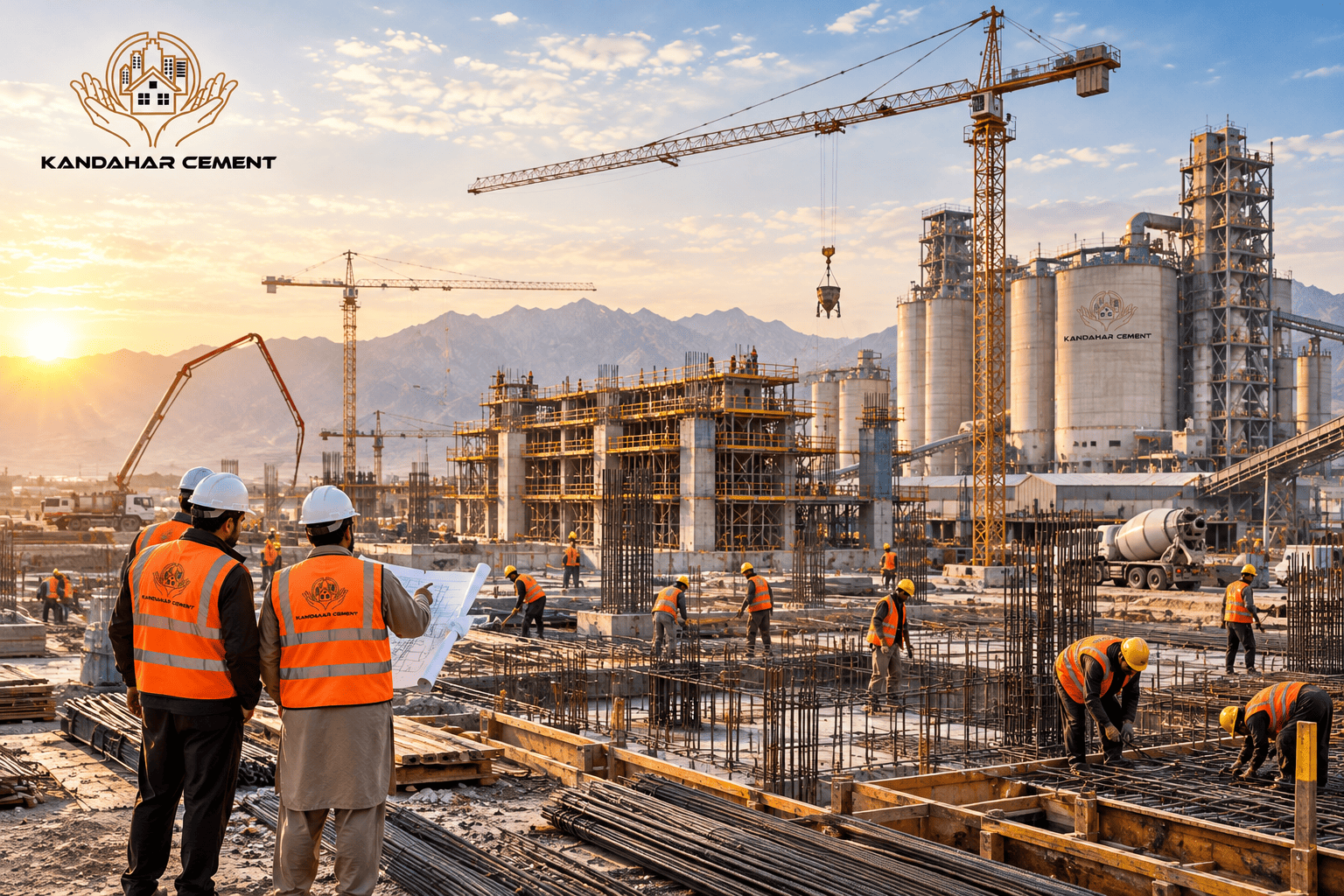
Construction commenced in 2023 with site preparation and foundational civil works. Phase One will deliver an initial production capacity of up to 1,500 tonnes per day, establishing Kandahar Cement as a key domestic supplier upon commissioning at the end of 2026 — while generating substantial skilled employment for the region.
Full-Scale Expansion
Building on the operational success of Phase One, the second phase will introduce additional high-capacity production lines, scaling total output to 5,000 tonnes per day — positioning Kandahar Cement among Afghanistan's largest cement producers, supported by advanced automation, an expanded logistics network, and an export-ready supply framework.
Built for
Generations
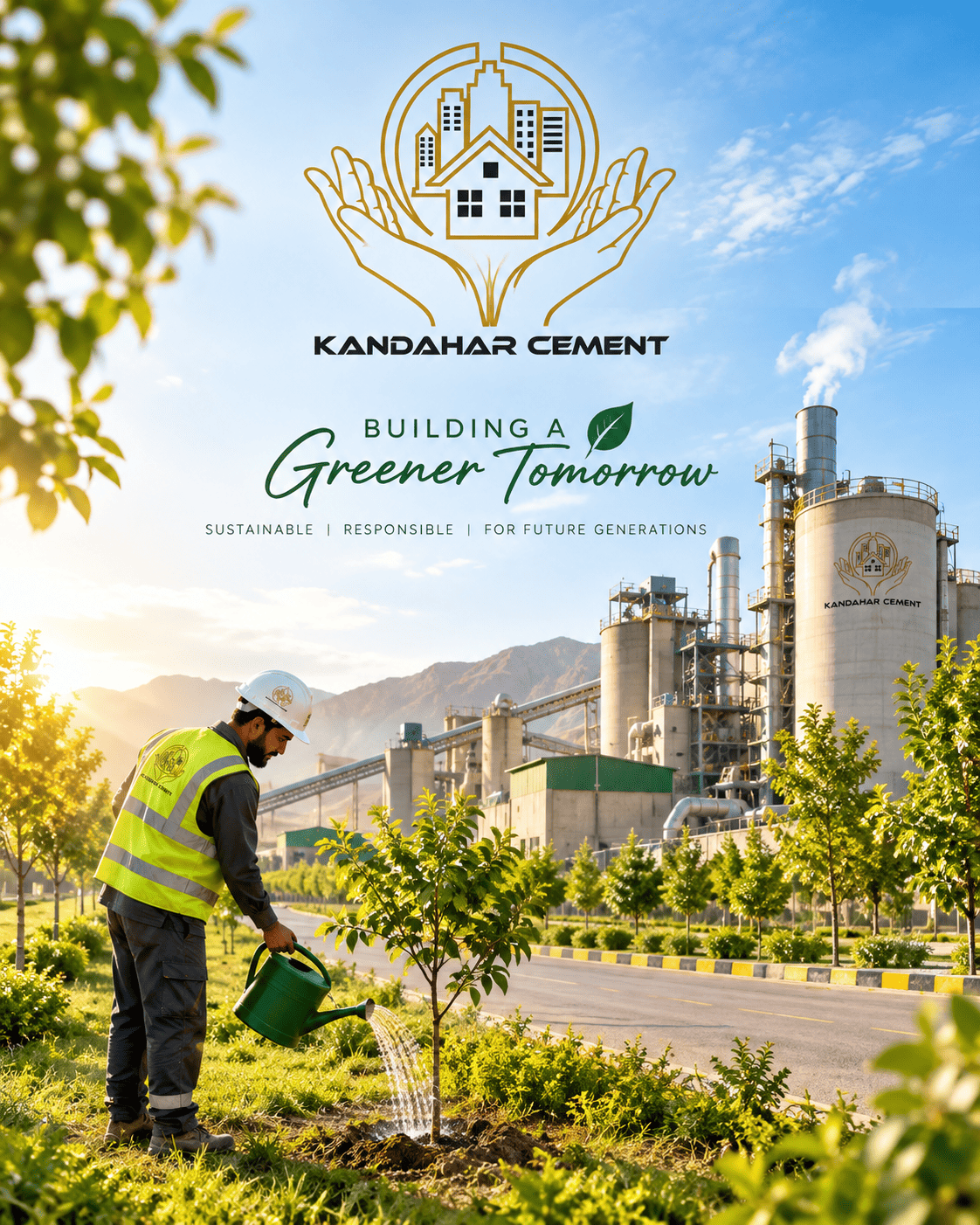
Responsible production — modern technology to reduce environmental impact and build a cleaner future for Afghanistan.
Build Your Career With Us
Join the Kandahar Cement team and be part of Afghanistan's industrial future. We are committed to creating 1,000+ skilled jobs and empowering local talent across engineering, production, administration, and logistics.
No Open Positions — Yet
We are currently building our team. New job announcements will be posted here as soon as positions open. Be the first to know when opportunities become available.

Group (ANZL)
For decades, the Ahmad Nabi Zada Group has invested in the growth of Afghanistan — building businesses that create jobs, strengthen local industry, and open new opportunities for the next generation. Kandahar Cement is the group's flagship industrial initiative: a $150 million commitment to the country's self-reliance.
 Kandahar Cement
Let's Start a Conversation
Whether you're a partner, supplier, investor, or member of the media — our team is ready to hear from you.
Message Received!
Thank you. Our team will contact you within 24 hours.